

Docs
Menu
Close
Migrating the Figma for Jira Pro app is not part of the JCMA and is run separately after the JCMA migration has completed. This is executed manually.
In order to migrate the app please take the following steps:

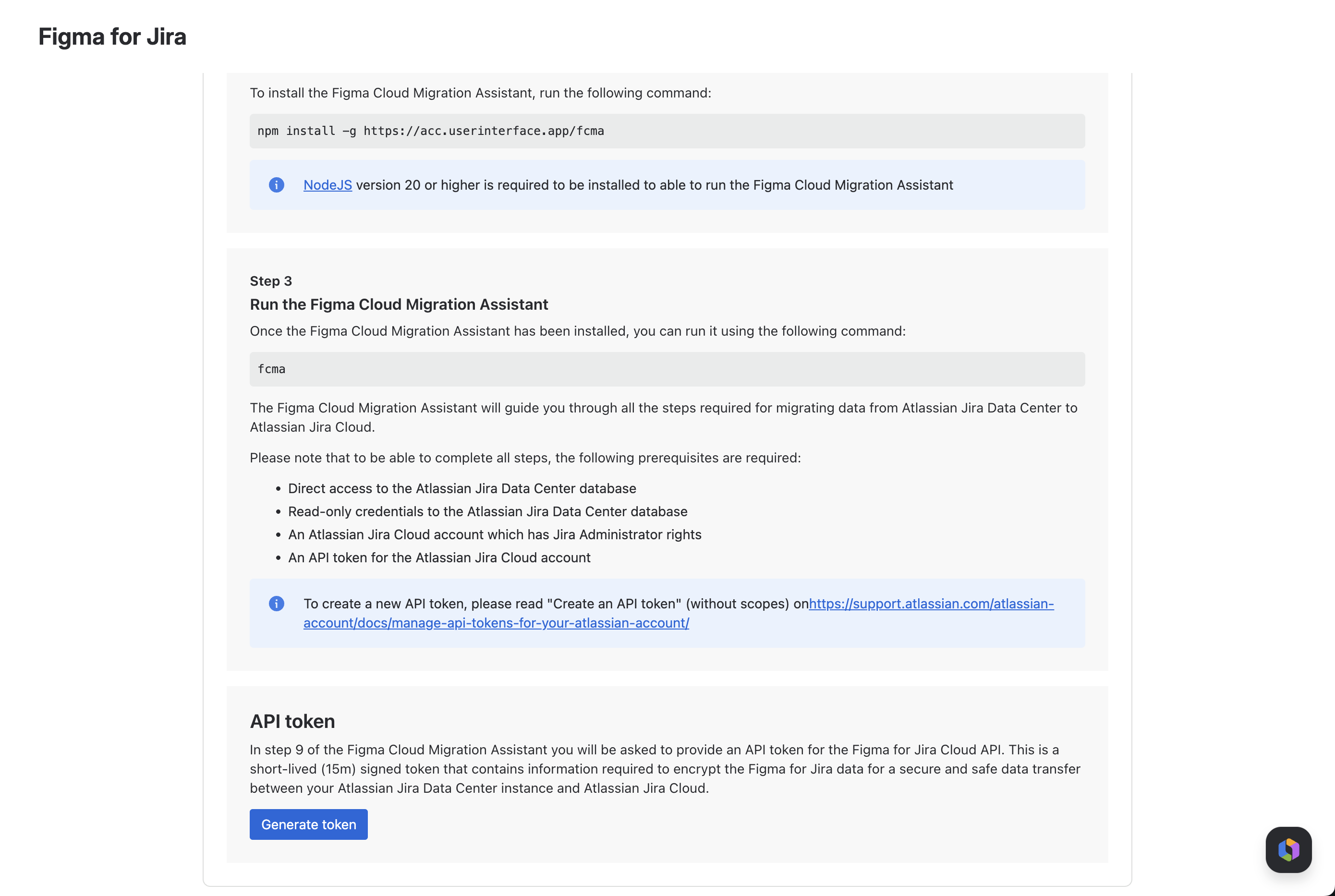
The FCMA (Figma Cloud Migration Assistant) will retrieve the Figma data from the Jira DC database, connect to the Atlassian Cloud instance, match the issues from your DC instance with the issues in Cloud based on the issue key and upload the data to our Cloud infrastructure to be used with your Atlassian Cloud instance.
