Zeplin for Confluence Pro
/
Getting started
Installation
Install directly from the Atlassian Marketplace
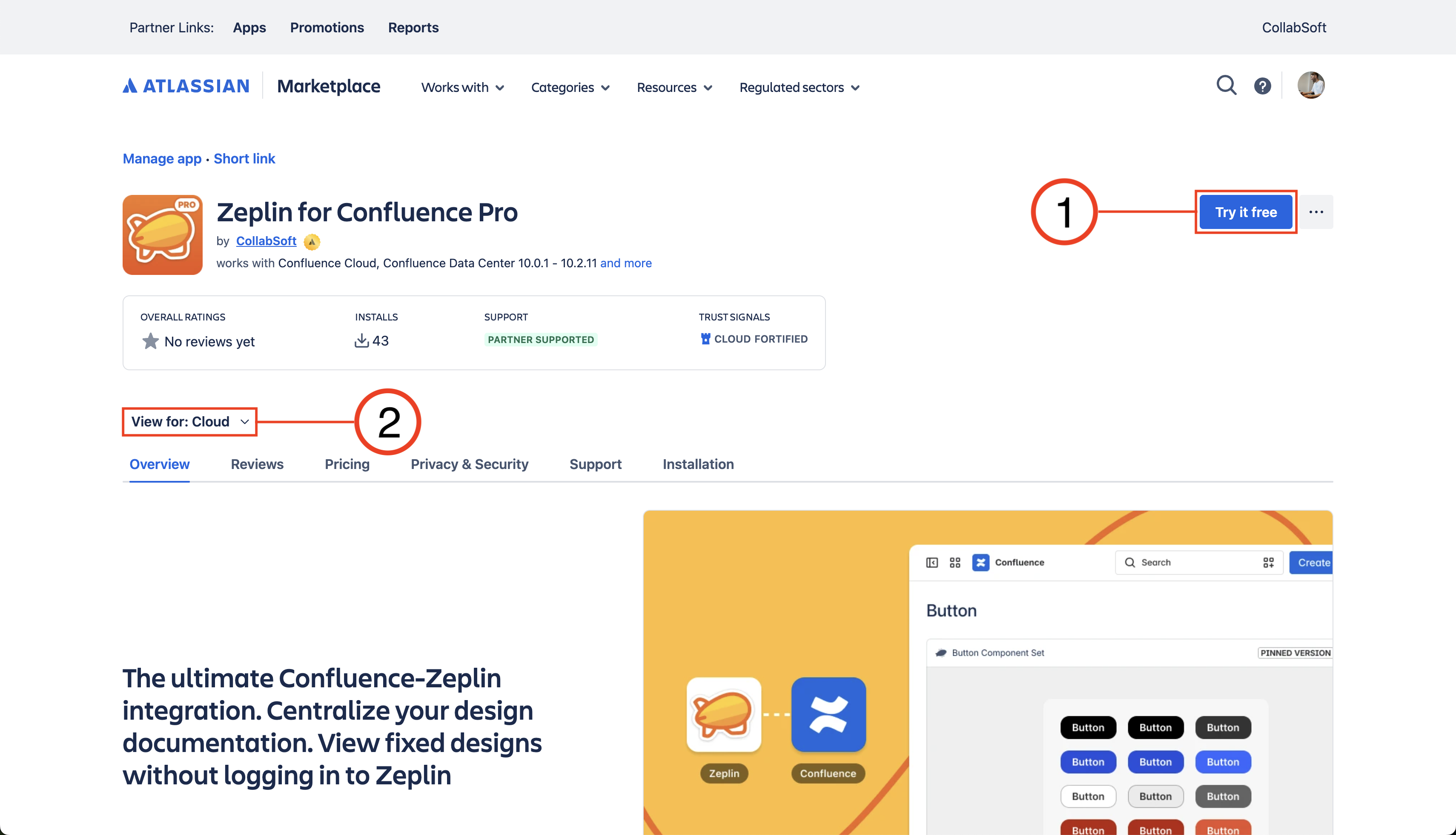
- Go to the Zeplin for Confluence Pro Marketplace listing.
- Choose the desired hosting type.
- Click the Try it free button.
Install directly on your Confluence Cloud instance
- Log into your Confluence instance as an admin.
- Click Apps in the left hand menu
- Click Explore apps
- Search for Zeplin for Confluence PRO.
- Click Try free to begin a new trial of Zeplin for Confluence PRO.
- Click Start free trial. Confluence will now download and install the app.
Next
Article title