Docs
Menu
Close
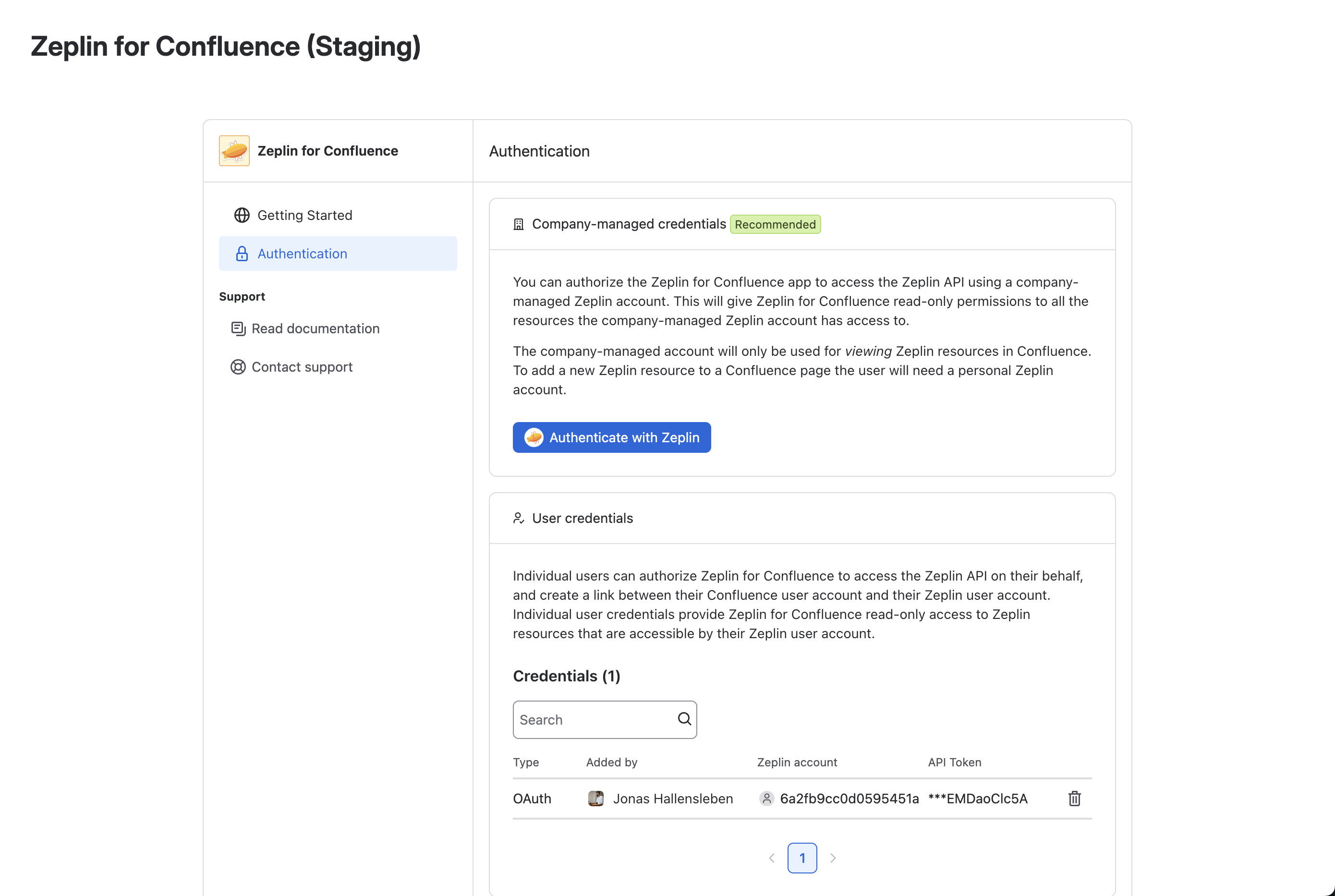
To enable users to view resource without logging in, the user who does have a Zeplin account needs to authenticate the app using OAuth. Our app requires only one user to have a Zeplin account with access to the files to be embedded.
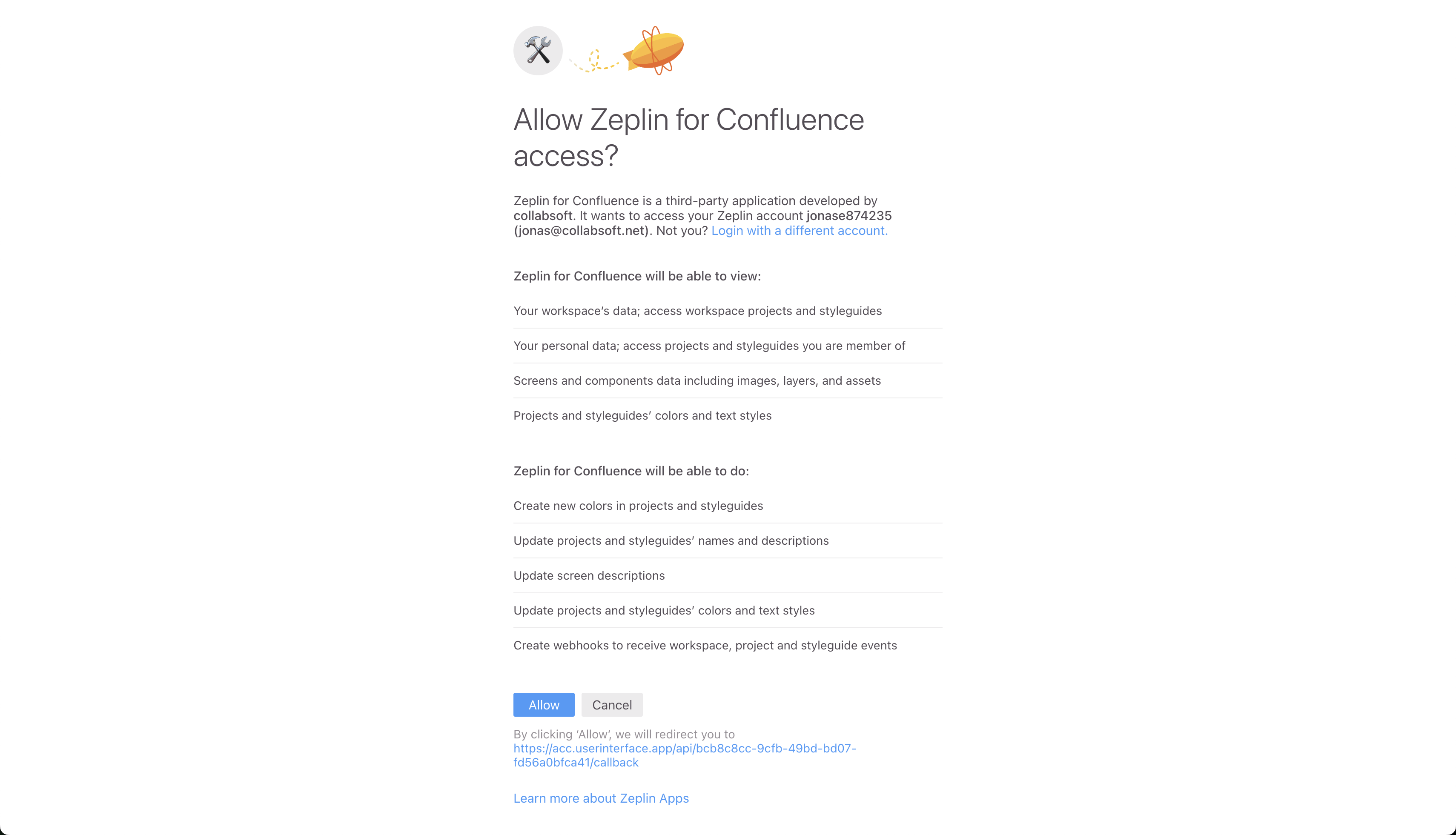
You can authorize the Zeplin for Confluence PRO app to access the Zeplin API on your behalf. This will give Zeplin for Confluence PRO read-only permissions to all the files the authorizing user has access to, meaning that any file that you wish to include needs to be accessible by this user account ('can view' rights).
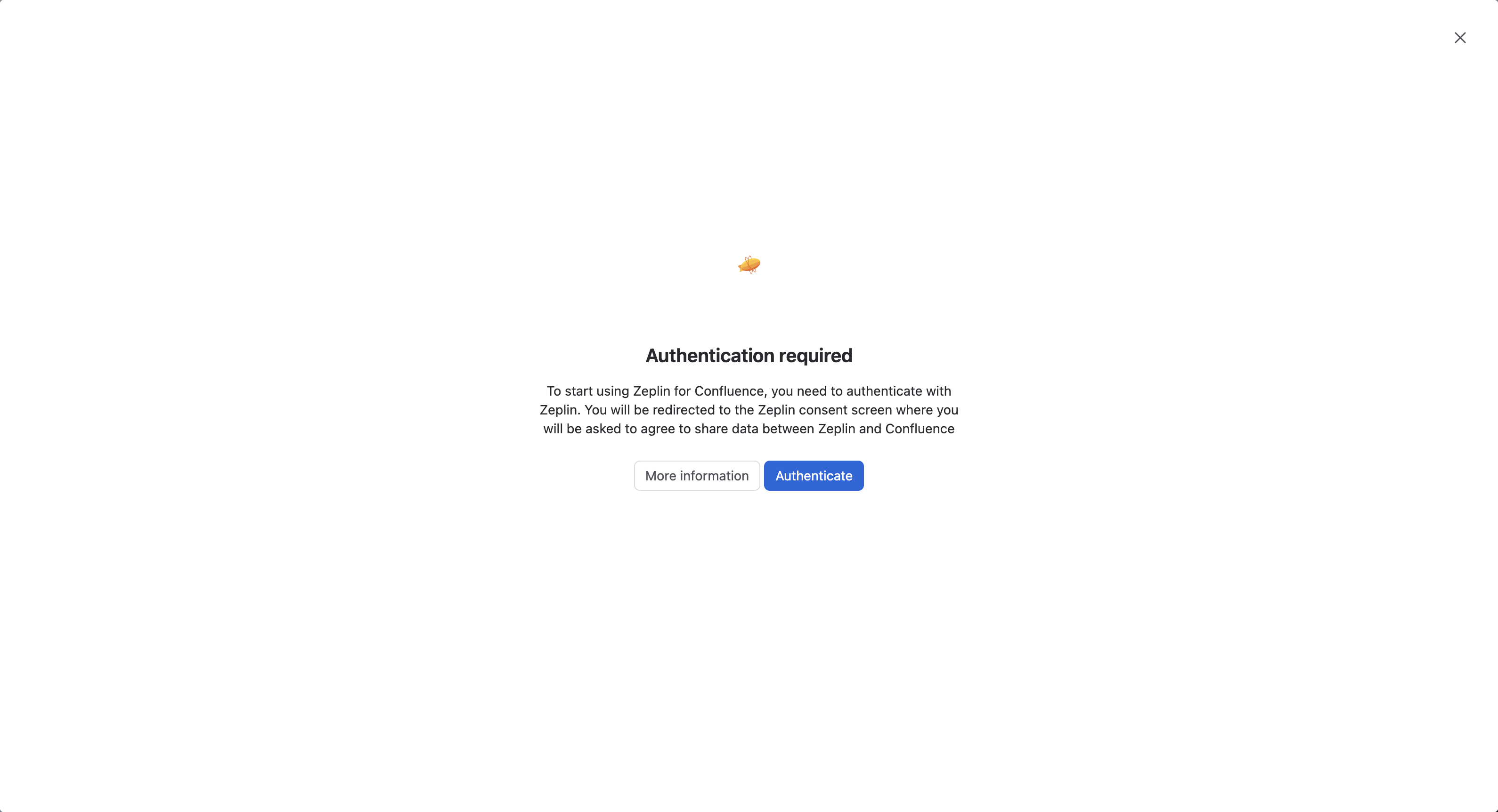
You can authenticate with Zeplin by taking the following steps:
Confluence admins can manage the authentication settings on the Authentication page in Zeplin for Confluence PRO. To find this page: